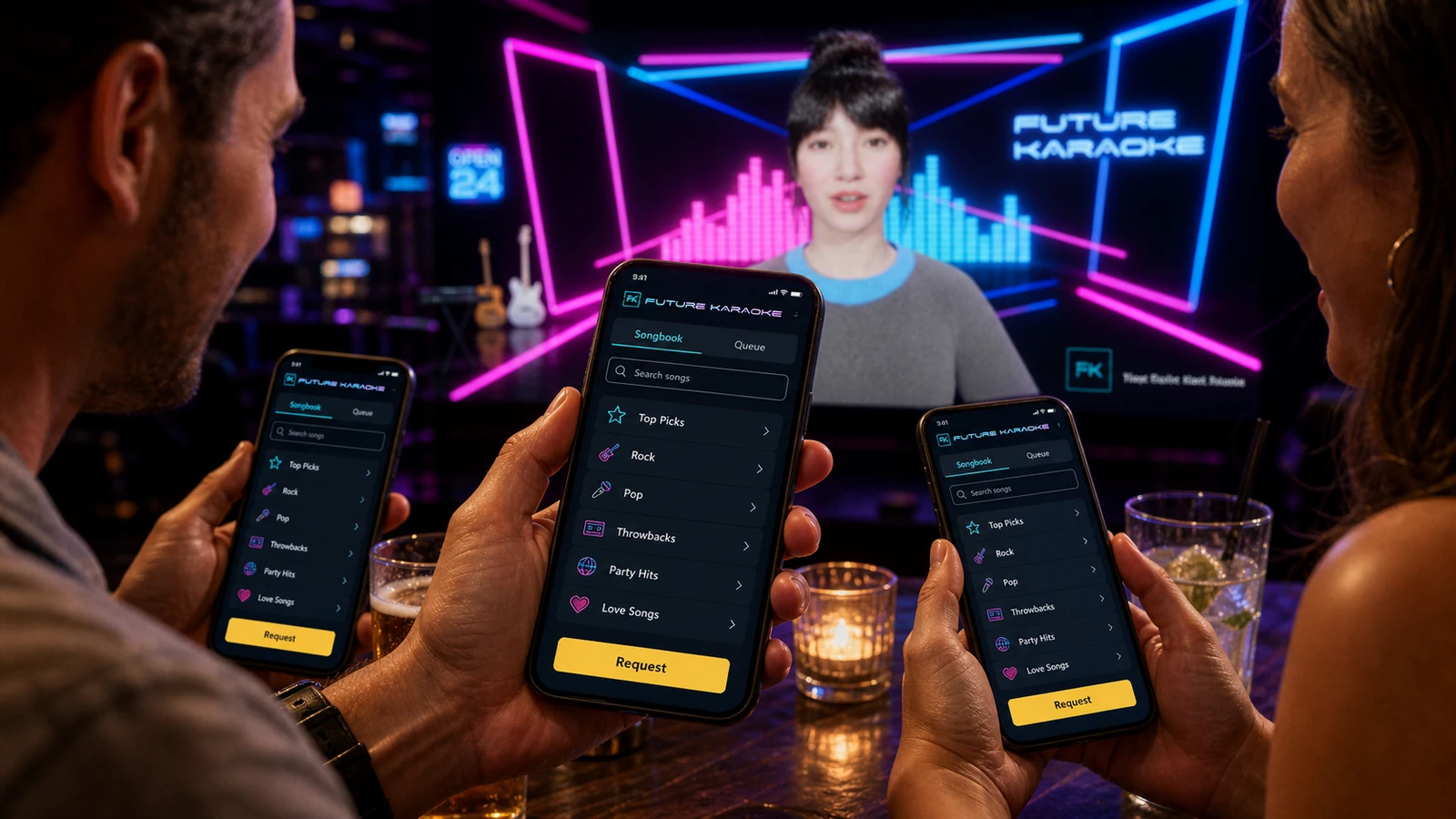
1. Guests request from their phones
Guests scan the QR code, browse the included Sunfly catalogue, see what is on now and join the queue from their phones.

System flow
Your Windows PC or Mac runs the show. Every subscription includes professional, licensed karaoke tracks powered by Sunfly, automated hosting, phone requests and staff controls. Classic Stage brings lyrics, singer call-ups and colourful show visuals to your audience screen.
From your table to the spotlight
Scan the QR code and open the songbook on your phone. Discover a favourite, find a new singalong and request your turn on stage.
Swipe to explore the guest screens →
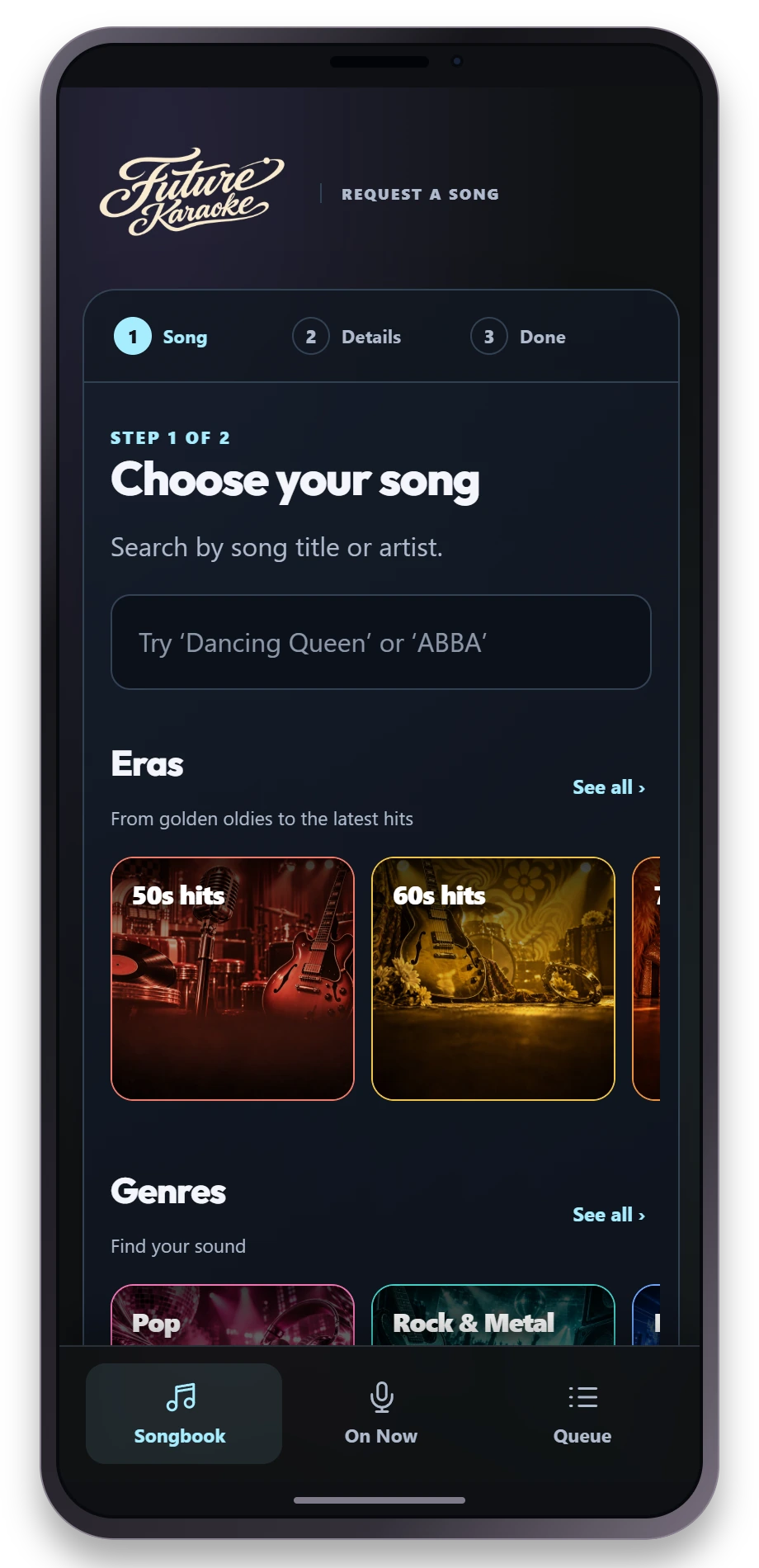
Search by song or artist, or explore illustrated shelves of eras, genres and collections.
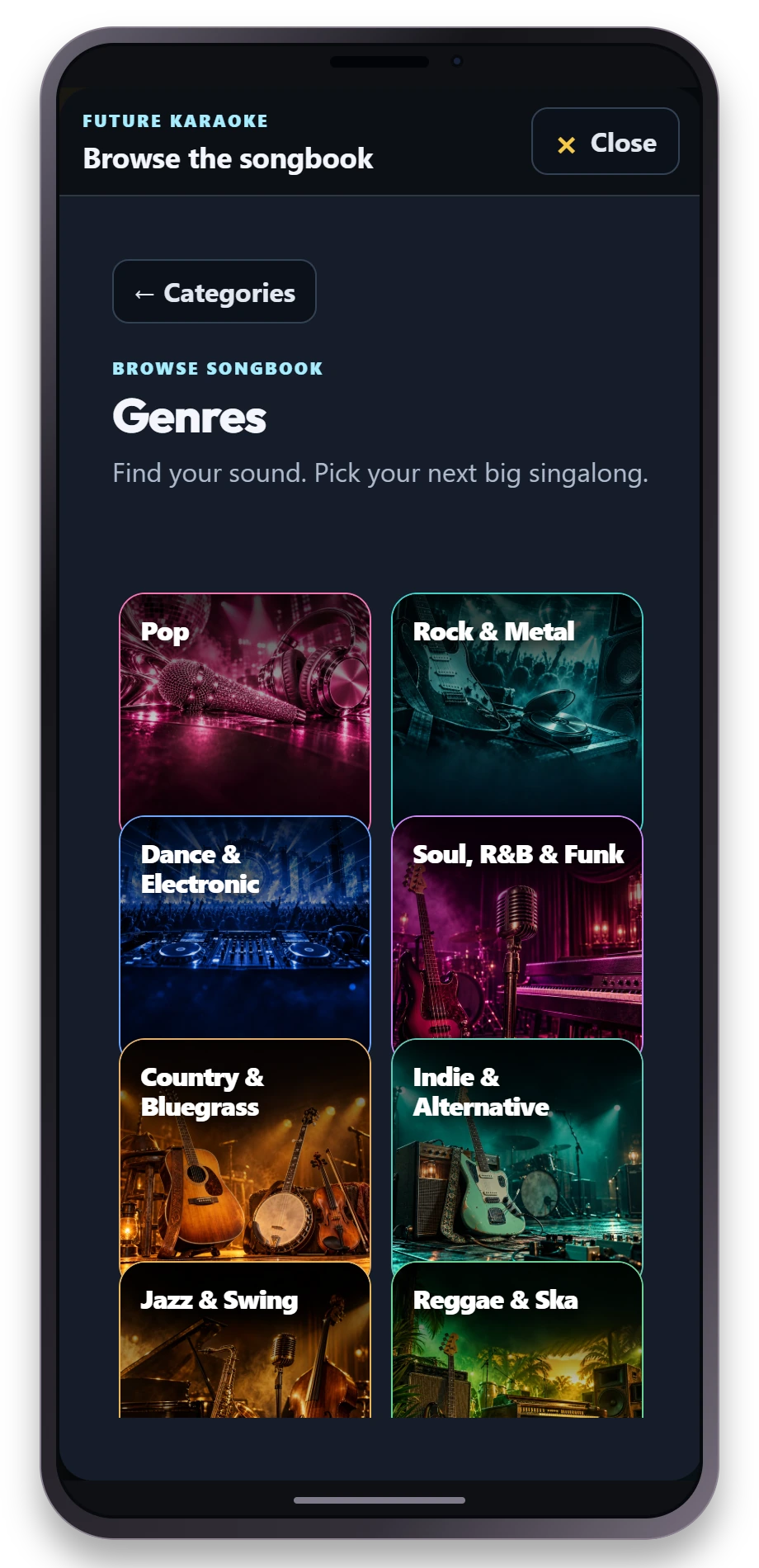
Pop, rock, soul or something unexpected. Browse by genre and find your next big singalong.
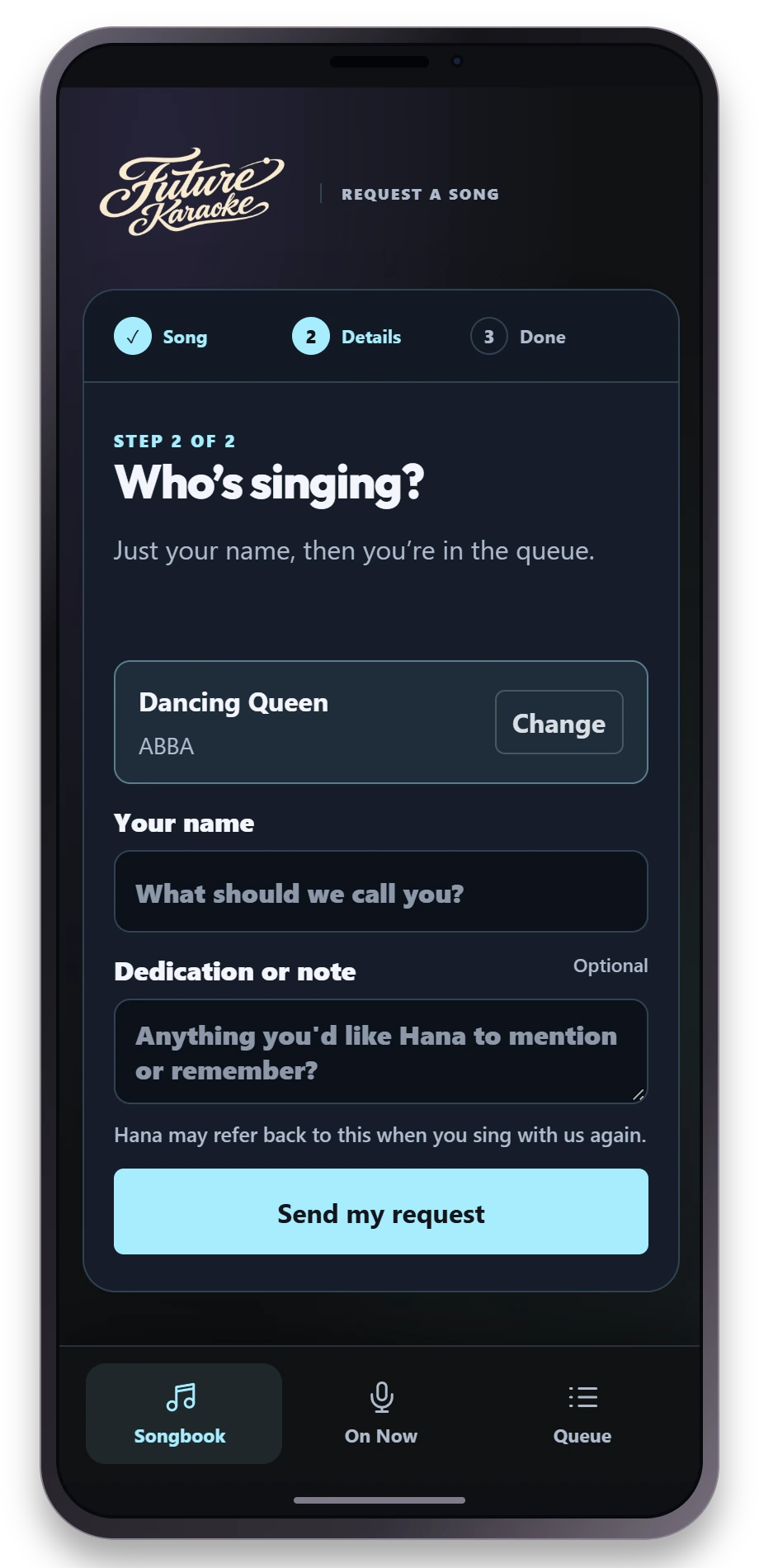
Choose a song, add your name and an optional dedication, then send your request.
Actual Future Karaoke guest screens. Tap a phone for a closer look.
Guests scan the QR code, browse the included Sunfly catalogue, see what is on now and join the queue from their phones.
The presenter calls the next singer, introduces songs, keeps energy moving, runs jokes and competitions, and fills gaps with background music.
Classic Stage shows lyrics, singer call-ups and colourful show visuals on your venue screen.
The admin page gives staff playback controls, presenter settings, BGM controls, scheduled announcements, pitch, and queue visibility.
Open the Big Red Button page on an iPad or compatible tablet on the same local network. Pair it with the code from the Host settings. The button becomes available when the singer’s song is ready; one press starts it, and holding for three seconds stops playback.
See the tablet screenClassic Stage is the lightweight HTML Stage included with the Host. Choose your background look and audience display, then you are ready to run the show.
Read the hardware requirementsNo sound equipment yet? Explore our starter sound kit for around £250 → See the speakers, wireless microphones, USB audio interface and connecting cable, with photos, prices and customer review links.
You supply your own PA / sound system and microphones. You also need a compatible Windows PC or Mac, a screen for lyrics, a suitable mixer or PA with microphone inputs, and an internet connection. Future Karaoke is the software subscription; this equipment is not included. The laptop runs the show; guests request songs from their phones.
Classic Stage is the lightweight option for compatible everyday laptops. Classic Stage is labelled HTML Stage in the app.
| Setup | Compatibility |
|---|---|
| Classic Stage on Windows | Use the current Windows x64 Host download. Classic Stage is included. Test your exact PC, screen and audio setup before the first venue night. |
| Classic Stage on Mac | Host 1.2.3 supports Intel and Apple silicon Macs running macOS 12 or later. Classic Stage is included; test your exact laptop, screen and audio setup. |
Check the current Future Karaoke downloads, or confirm your laptop's compatibility with us.
Connect the laptop’s display output to the venue screen for lyrics and route song audio into the mixer and PA. Choose the intended screen and audio output in Future Karaoke, then test them together. Connect the microphones through your sound system and check levels with a singer. Keep an internet connection available for subscription services and Sunfly playback licence checks. Scan the guest QR code on a real phone and confirm it can reach the request service.
See the venue subscription and what's included.
Explore karaoke software for UK pubs and bars, or see the complete Future Karaoke show.